

Unit 1: Introduction to creative media methods and skills
Unit 2: Introduction to production techniques in creative media
Unit 3: Understanding an audience in creative media production
Unit 4: Contextual research for creative media production
Unit 2: Introduction to production techniques in creative media
Unit 3: Understanding an audience in creative media production
Unit 4: Contextual research for creative media production
What we're doing, how we're doing it and why we're doing it
Intent: To explore the fundamentals of Level Design, how it's used and develop the skills needed to reflect on your project.
Implementation: Through investigation, discussion and activities.
Impact: Software skills development, Game design theory.
Soft Skills: Adaptability, creativity, problem solving, attention to detail.
Industry: Level Design, Environments.
Context
We'll be discussing level design, its fundamentals and why it's important in game design.
Additionally...
You'll be using the website NoClip, analysing a level, seeing what works and reflecting on your findings.

Discussion
How does the design of Disneyland affect it's visitors?
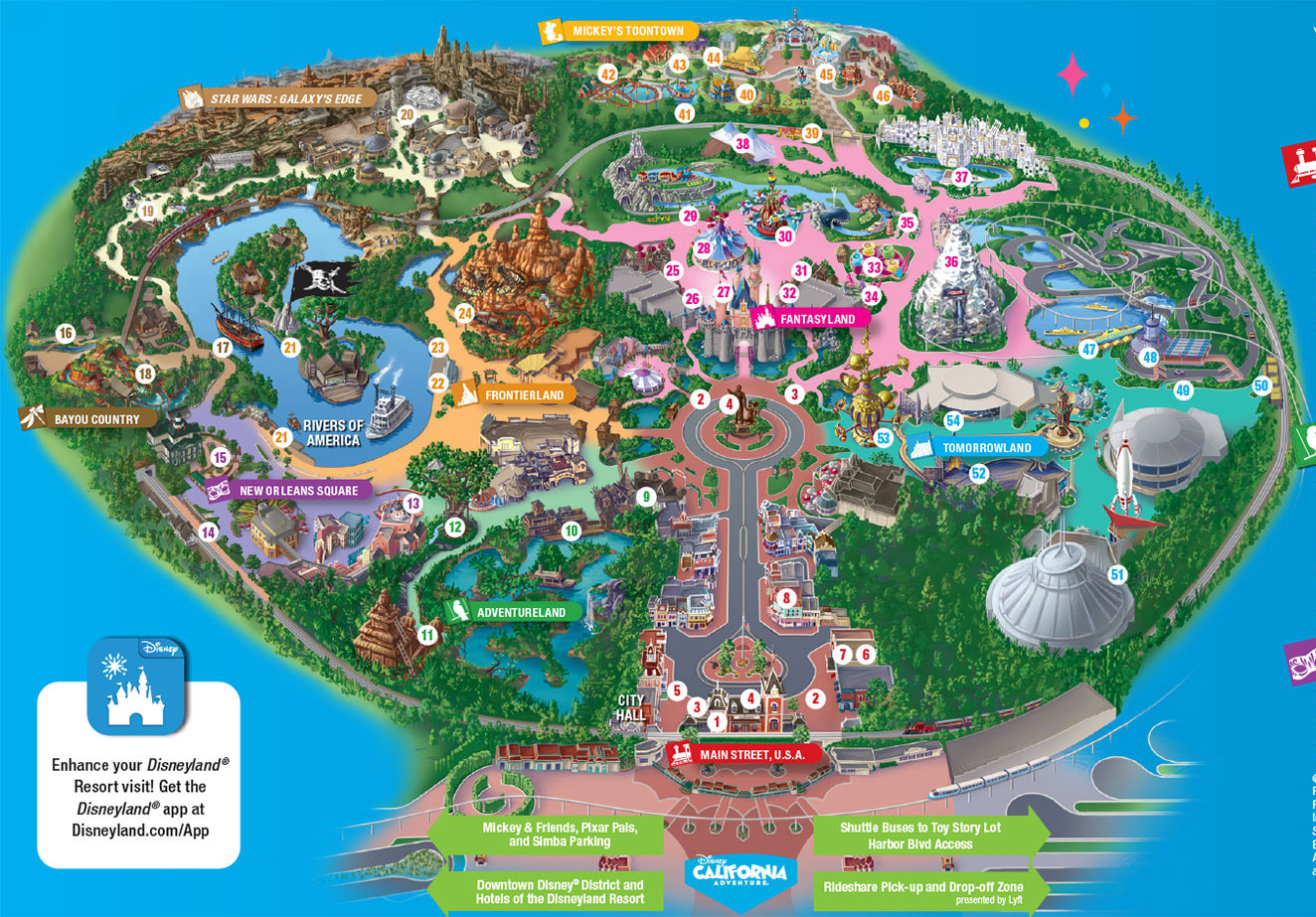
- Immersive experience from the get go.
- Images, banners, gates are plastered on your way through, trees are used to obscure your view.
- These are barriers, creating suspense, building you up for the big reveal of the park.
So... how can we apply this to games?
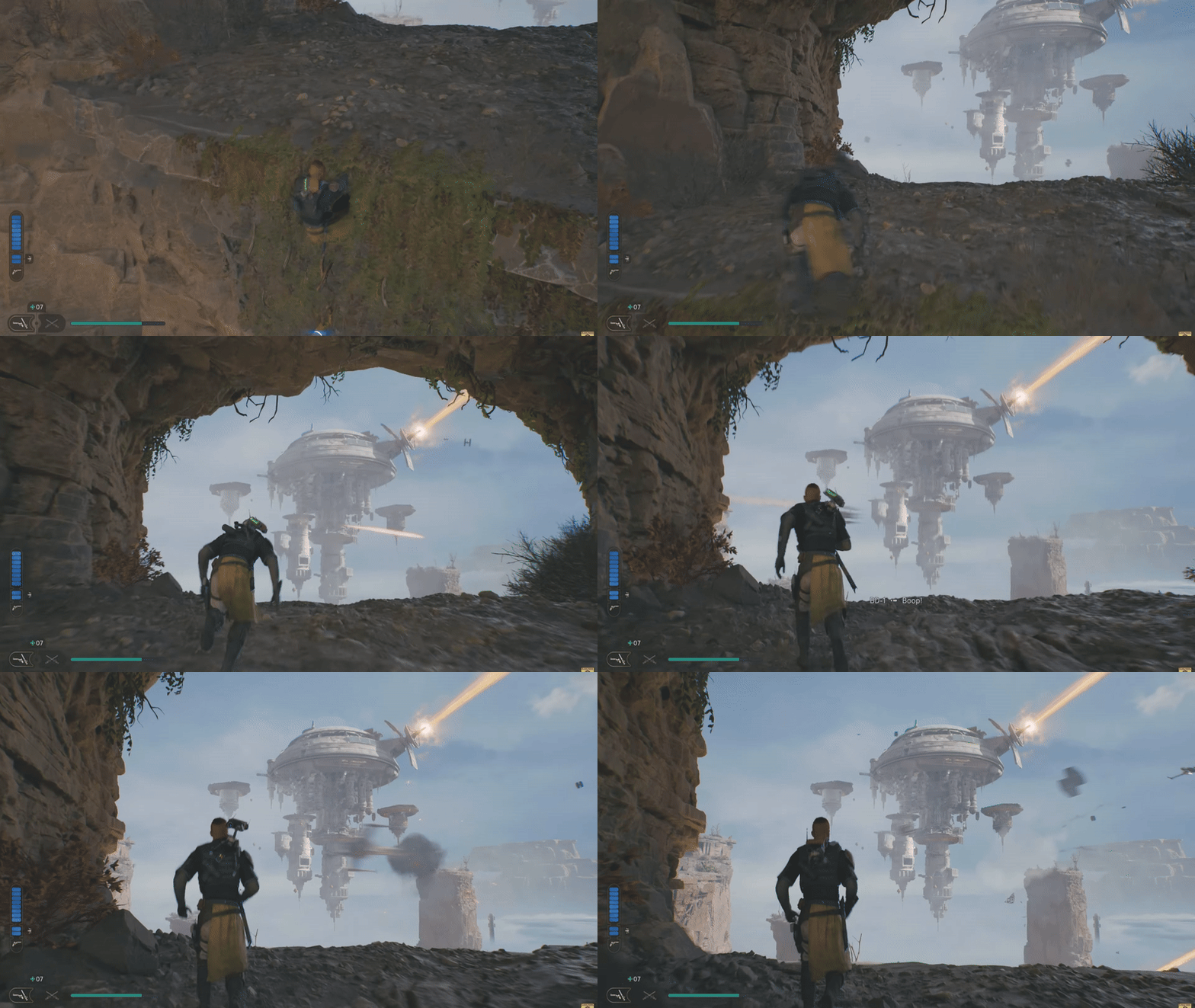
Two Words: Physical Space
(That's technically four)
Physical space is the AREA which is designed for the player, essentially a layout.
An easy way to think about it is with shapes:
How would the player navigate an area shaped like a Spiral/Square/Triangle?
How do you make that an engaging experience?
Noclip
What do I do?
Noclip is a digital library of various video game levels.
Go on the website, pick a level that you think is designed well.
With that in mind...
Now roughly sketch your own level, using physical space and your digital reference from Noclip to communicate the player's destination.
Draw this digitally or traditionally.




-Pogo Vaulting is a popular mechanic in Hollow Knight.
- Look at how it is introduced in this clip, then immediately forget it.
- Now think, how would YOU introduce this mechanic.
- Draw your solution out digitally or traditionally.
Introducing Mechanics to the Player
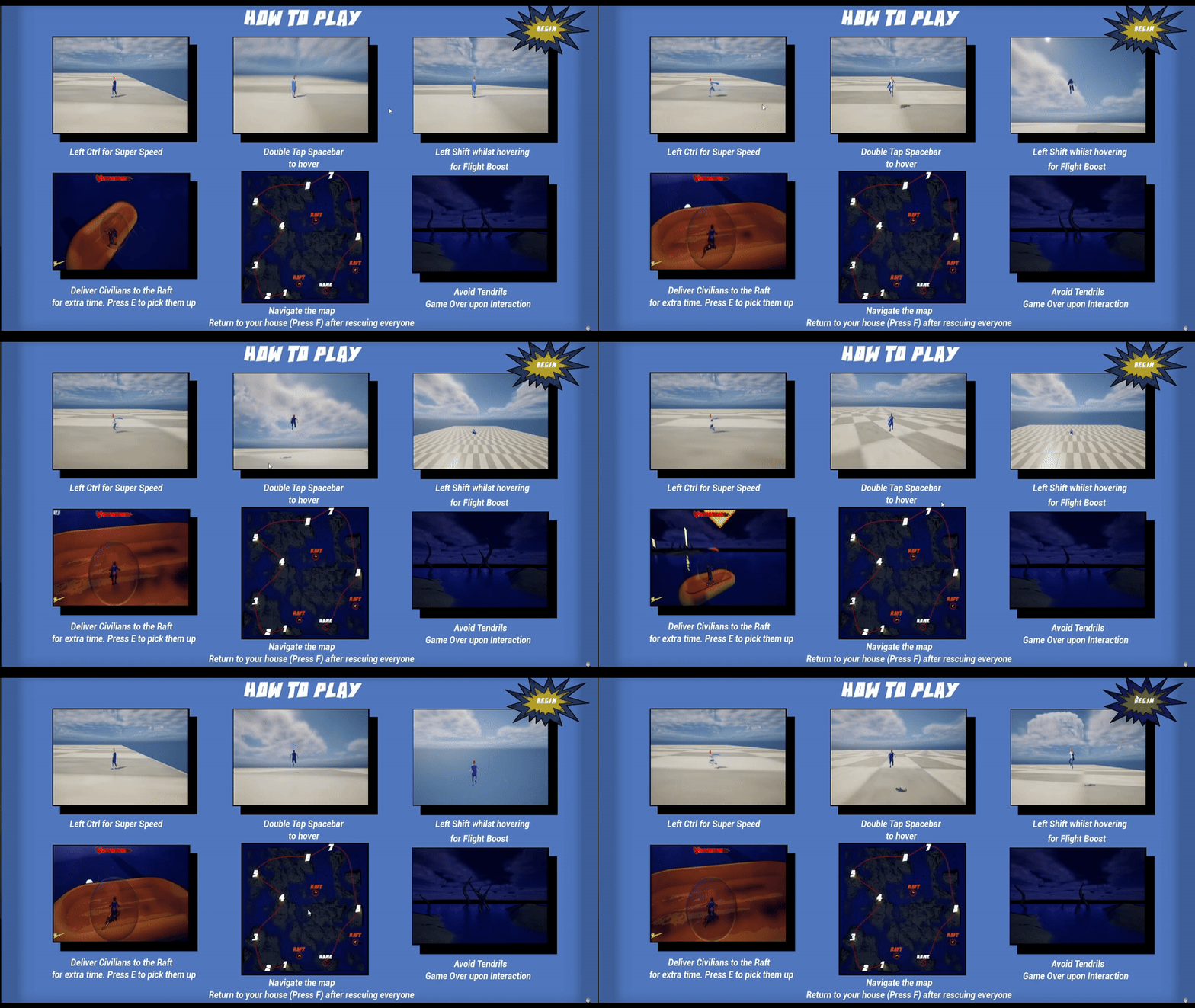
Source: World's best game developer (2025)
- Try to avoid a "How to play" screen or similar, it's not fun telling the player how to play the game. It's more fun to show them.
- Don't take control away from the player, in fact, do the opposite!
- Rather than screaming PRESS A PRESS A - POP UP. Let the player figure that out through your level design.
Investigation
On your Google Sites, in your own words:
- What is physical space in games?
- Why is it important?
Then:
- Upload a photo of your Hollow Knight Pogo Vault solution and explain your reasoning.
- Upload a photo of your sketched level.

Noclip Part 2: The Clippening
For this afternoon, you'll be using Noclip to pick a (different) level of your choice, analyse it and reflect back onto your work.
What do I do?
You need to ask yourself (and answer) these questions on your Google Sites whilst using Noclip:
- What game/level did you pick?
- Why did you pick that level?
- How does it utilise physical space?
- How are the mechanics introduced to the player?
(You might need to dig deeper for this one, look at level walkthroughs on Youtube for reference)
- What aspects of this level can you apply to your work?
Make sure to include images of your chosen level!
Extended Task:
Look into "Test Rooms" used during game development.
- What are they?
- Why are they important during development?
- How could this impact your level design?