
Today you'll be animating in Blender.
You'll be going through the 3D animation pipeline of Posing, Keyframing, Animating and Rendering a 3D character!
1. Getting Started
What do I do?
Make sure you have everything in each folder which includes:
1. The .blend file of the rigged character.
2. The textures in PNG format (there should be 3)
Then open the .blend file in Blender.
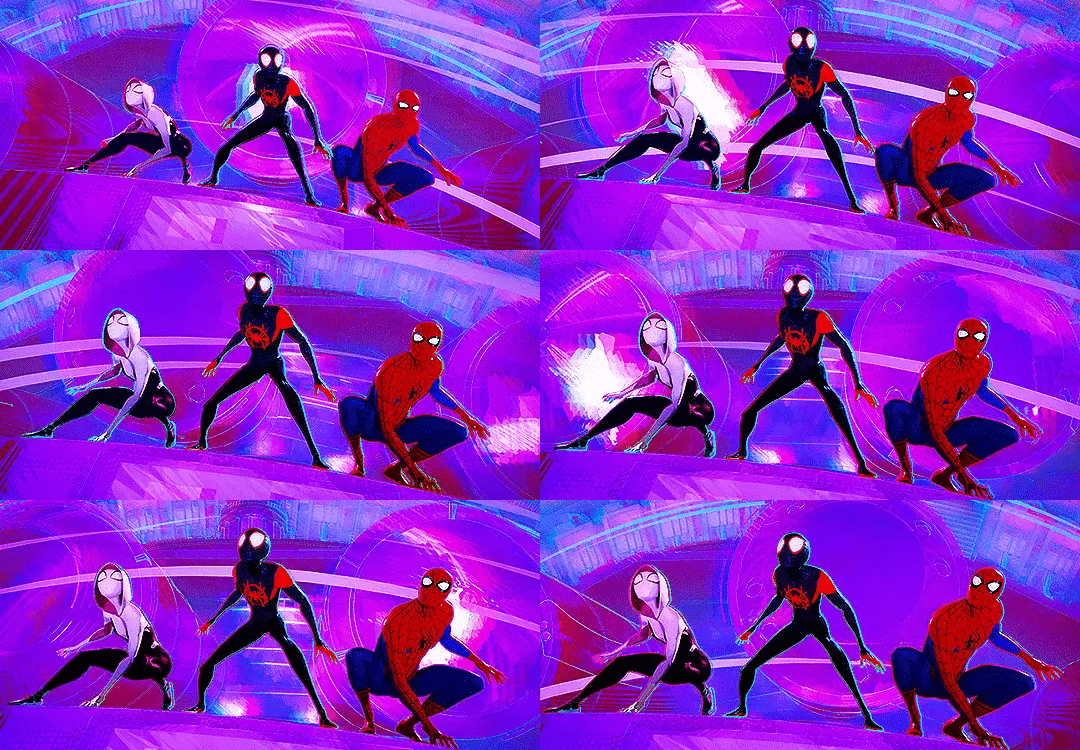
2. Pose that Model
What do I do?
- Watch the video on how to pose in Blender.
- Get familiar with how each bone interacts with one another, test the limits!
- Pose your character by Rotating, Moving and Scaling each joint.
3. Pose that Camera
What do I do?
- Now you've posed your character, look into how to place the camera in your scene and export a still image of your pose.
- Be creative with your framing! It doesn't just have to be a still image in front of the character.
- Once you've got your camera set up, export the image as a JPEG
4. Animate that character
What do I do?
- After you've placed the camera and got a solid pose, time to animate!
- Watch the video on how to keyframe and animate in Blender.
- Get familiar with the process, start small. Then work towards something larger!
4. Animate that camera
What do I do?
- Animate the camera! Use your skills to keyframe and animate the camera around your character.
- Is your character moving? Get the camera to follow the character, be creative!
- Once you've got your animation, export it as an MP4.