
Unit 2:
LO1: Explore materials, methods, techniques and processes used in 3‑dimensional creative practices.
LO3: Assess the use of materials, methods, techniques and processes used in 3‑dimensional creative practice.
Unit 5:
LO1: Investigate the materials associated with a specialist industry practice
What we're doing, how we're doing it and why we're doing it
Intent: To explore the fundamentals of 3D animation & keyframing.
Implementation: Through investigation and practical development.
Impact: Software skills development, utilising a 3D software and animation processes.
Soft Skills: Time management, adaptability, creativity, problem solving, attention to detail.
Industry: Animating, Keyframing, Rigging, Posing.
Starter (3-5 mins approx)
Discussion
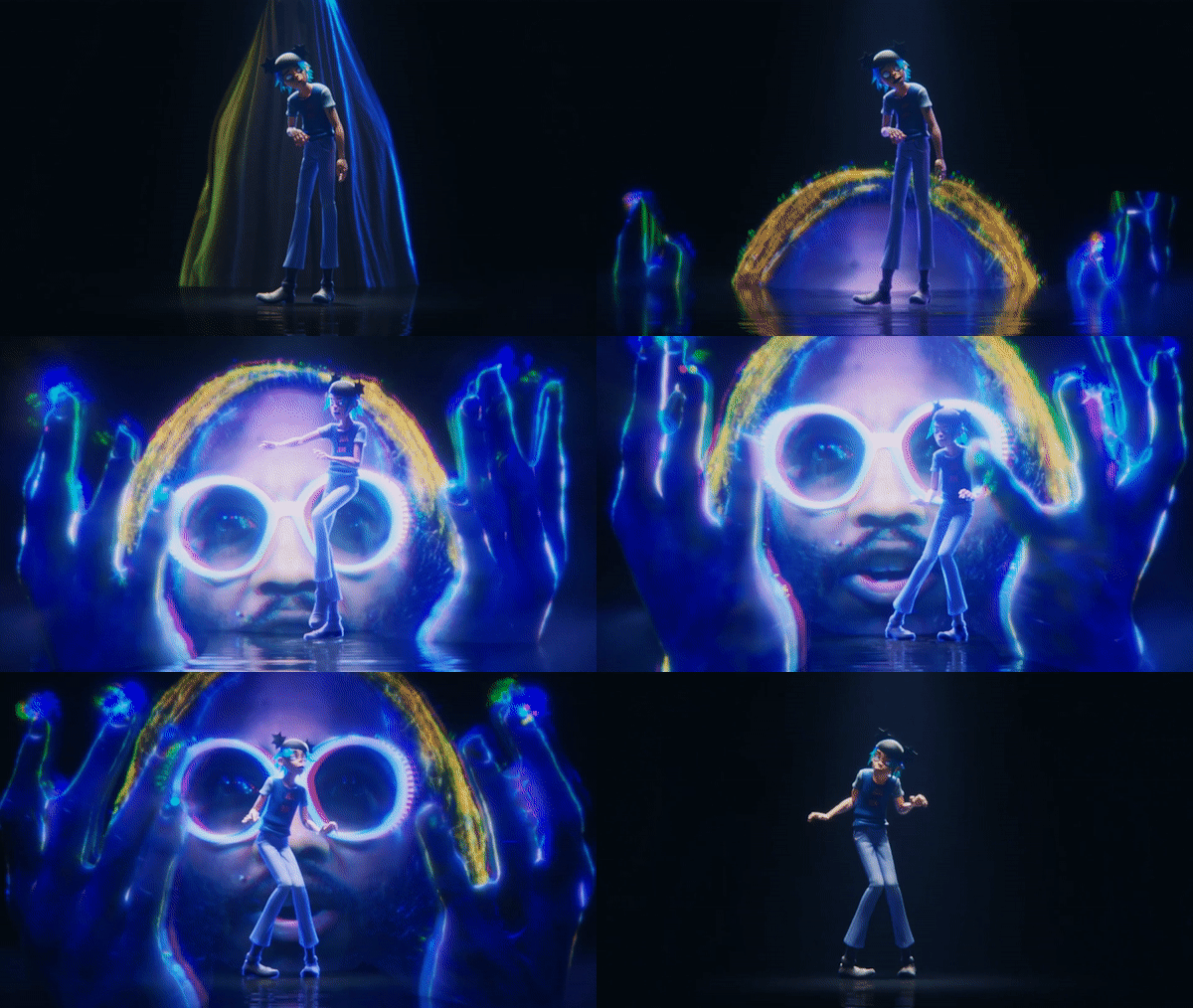
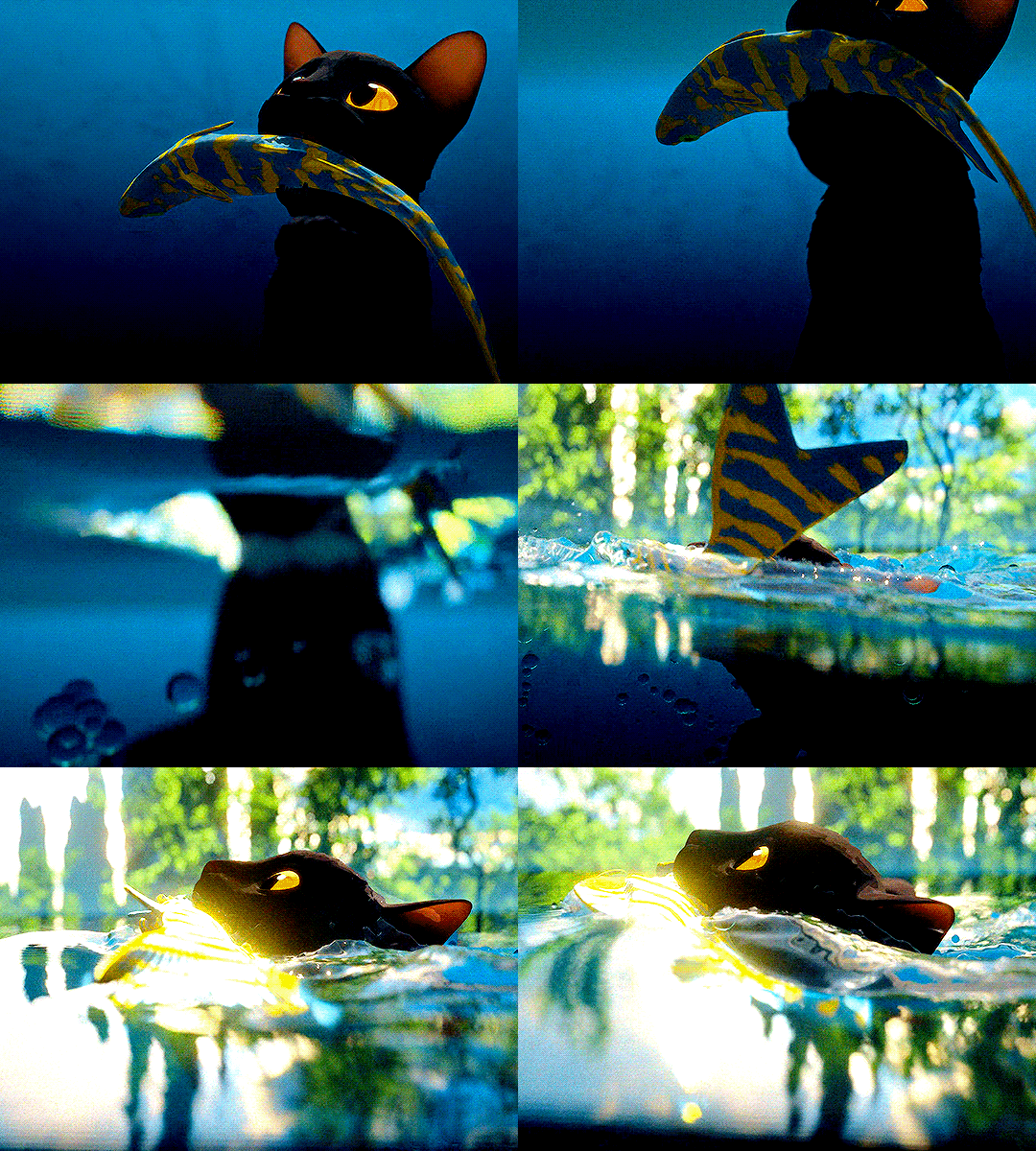
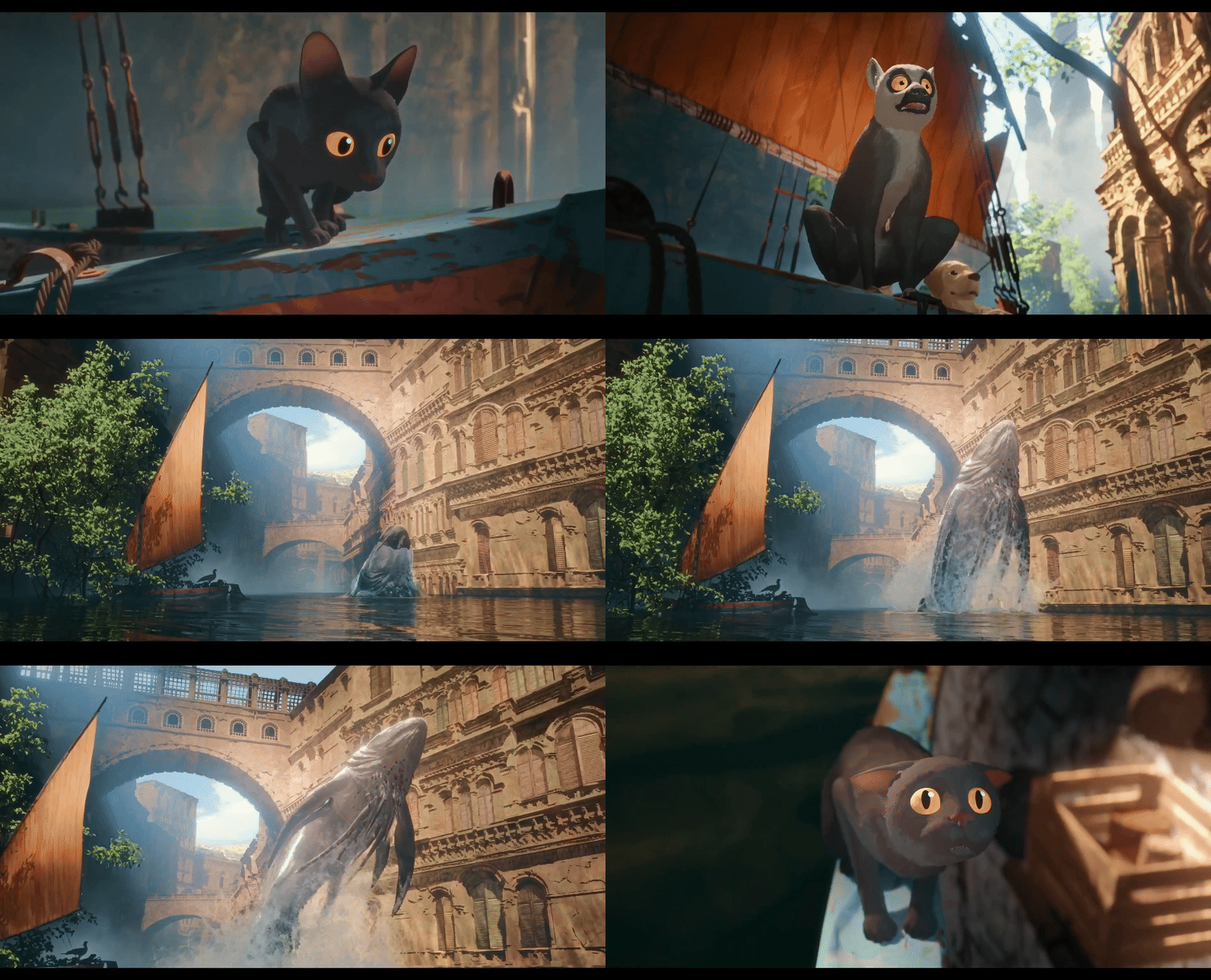
- What stood out to you about the animation in that trailer?
- What do you think animators have to do inside Blender to emulate this type of movement?
- Why do you think some studios choose to use Blender instead of other modelling/animation software?
Main Task (8-10 mins approx)
- Access the Google Drive and open the Blender file containing a rigged model.
- Choose the model version according to what version of Blender you're using:
B3: Blender 3.0
B4: Blender 4.0
B5: Blender 5.0
- Your main task is to manipulate the model into a pose of your choosing using FK rigging!
(Don't worry if the model has no textures, we're only focusing on the skeleton of the character)
Extended Tasks:
- If you're confident with posing the model, start keyframing the character to create a basic animation!
- If you've got this far, look into IK rigging and implement that into one (or all) of the models joints.
Wrap up (3-5 mins approx)
As a class, review your peers' pose/animation!
Give feedback to:
1. One thing they've done well.
2. One thing they could do to improve their model.